Click around the real panel yourself
This is the exact same panel that runs in-game — every tab, every setting, the same HTML and CSS pixel for pixel. No install, no account, nothing to sign up for. Click a tab below to explore it.
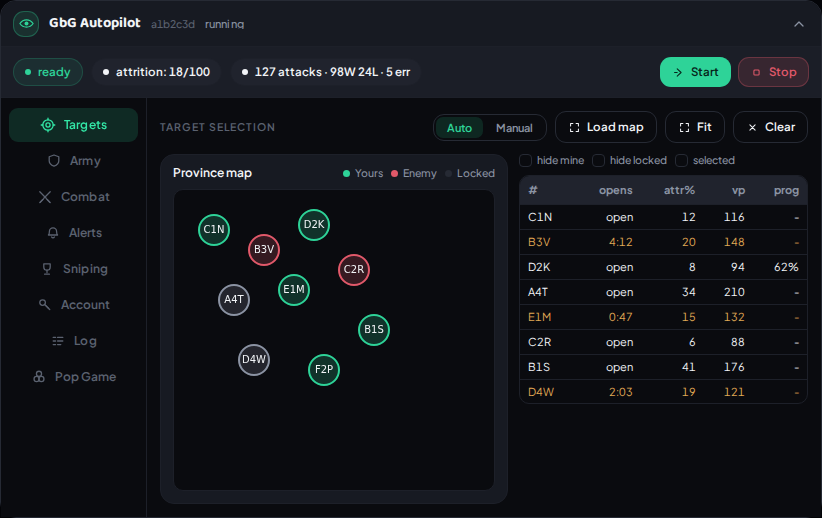
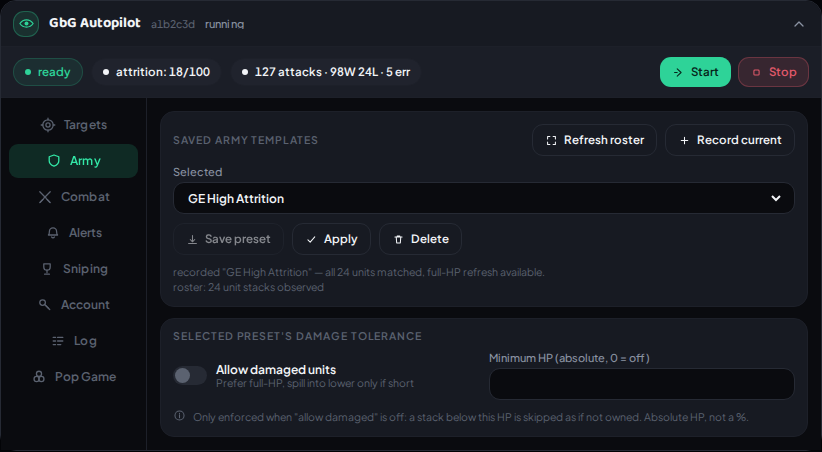
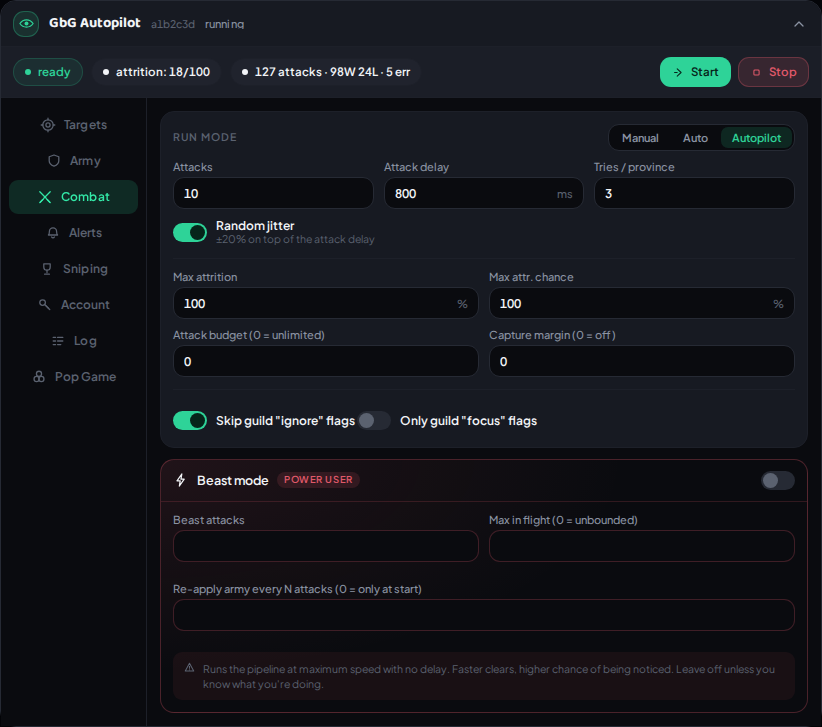
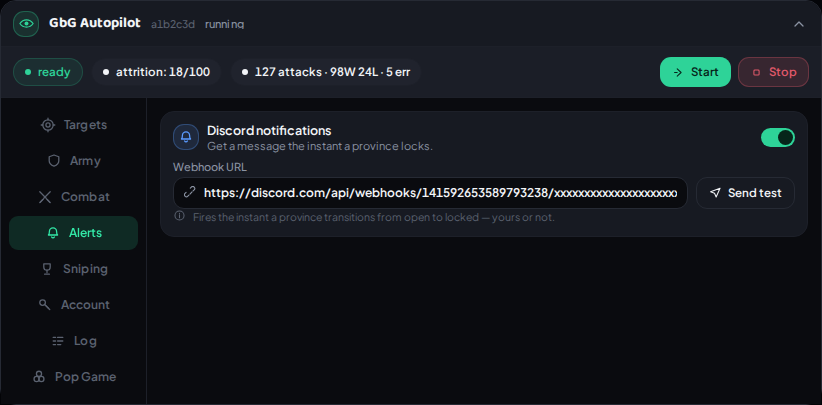
The panel is a fixed-width desktop layout, so on a phone here's every tab as a real screenshot instead — sample data throughout, same as above.
What you're looking at
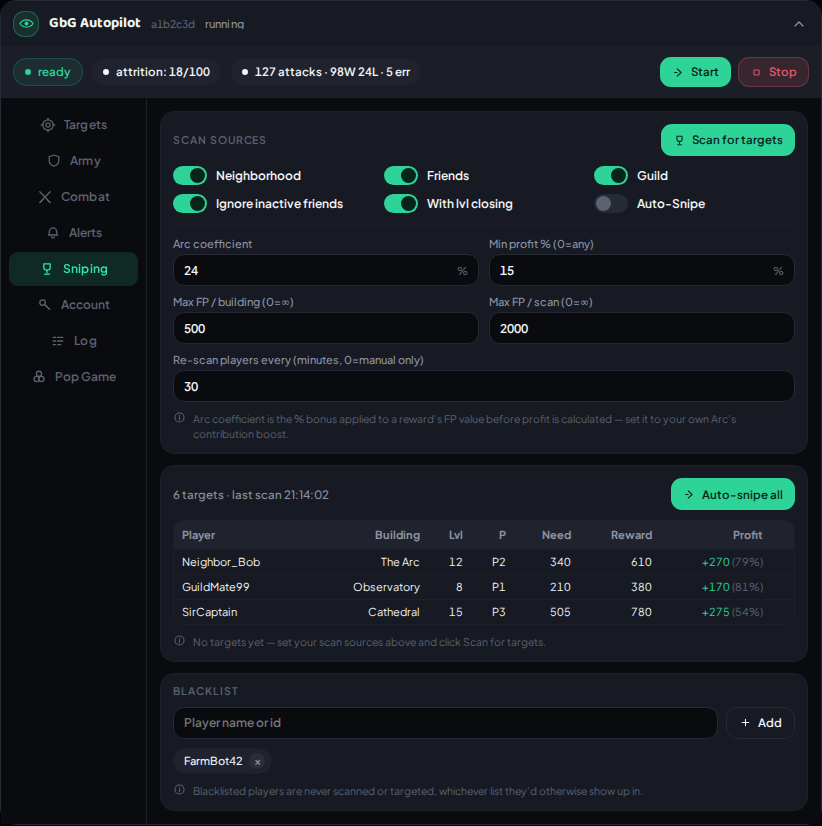
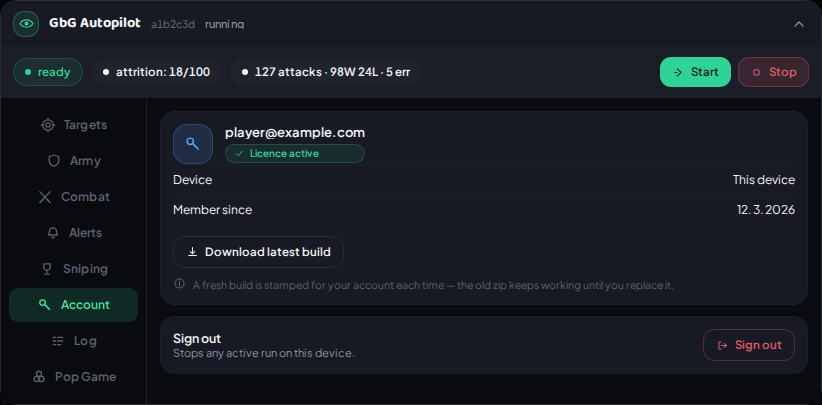
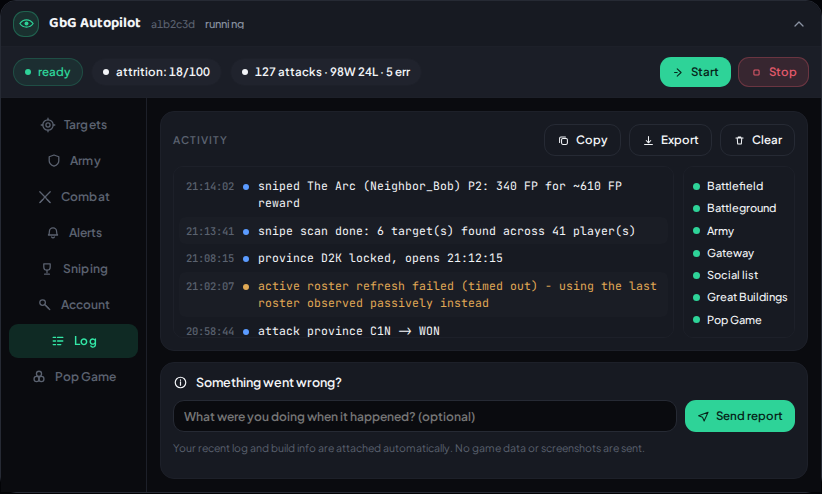
Every tab here is fully clickable: Targets for picking what to attack, Army for your saved line-ups, Combat for run modes and pace, Alerts for Discord lock notifications, Sniping for Great Building targeting, Build for what goes up on a sector you take, Account and Log. The small window beside it is Guild Expedition, which appears in the game the moment you open GE. The province codes, army names, and sniping targets shown are all made up for this preview — your real panel fills in with your own game data the moment it's running. Full write-up of what each tab actually does is in the docs.